Make an AI Video from a Photo
You have a photo and you want it to move. That is the whole workflow here: upload the picture, say what should happen, and get a short clip that starts from your exact photo. This page is about everyday photos, portraits, pets, old prints and product shots, and the settings that keep them looking like themselves. For the technical controls, see the image-to-video generator.
Sign in to see your credit estimate. Creating needs a plan, from $4.99 a week.
What kind of photo do you have?
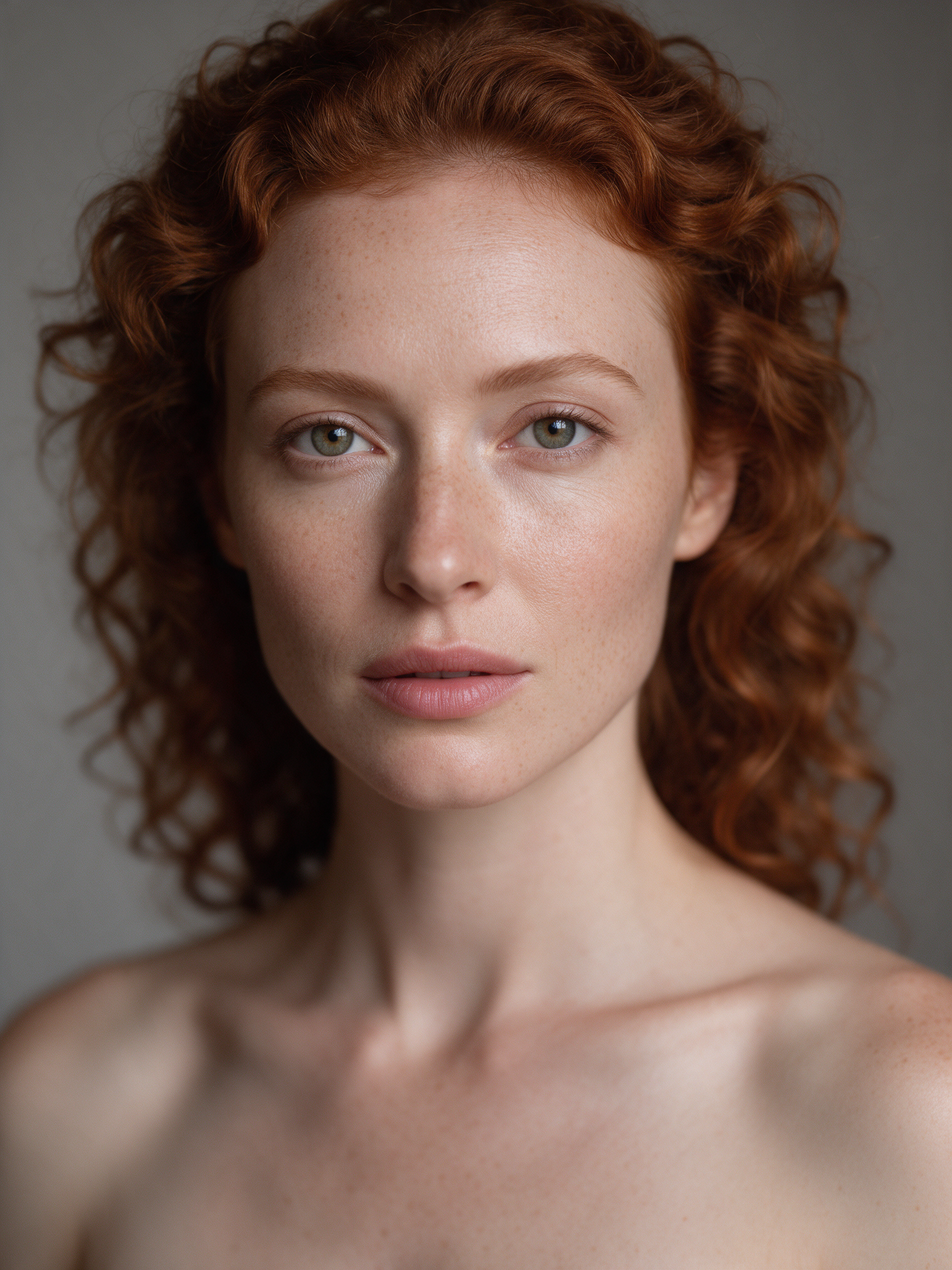
A portrait
Ask for subtle life: breathing, a blink, a small smile, hair in a breeze. Keep the camera still and the clip short. For speech, use the talking avatar instead.
A pet
Pets animate well with small motions: ears twitching, a head tilt, a tail wag. Avoid asking them to walk out of frame.
An old family photo
Scanned prints work. Describe gentle motion and 'archival film look' to keep the grain and tone. Faces stay closest to the original with 4 to 5 second clips.
A product photo
Ask for a slow turn or a light sweep and keep the background clean. Add a last frame for a precise reveal.
A travel photo
Move the environment, not the subject: drifting clouds, rippling water, passing traffic, a slow push toward the horizon.
Three steps
- 01
Upload
Any JPEG, PNG or WebP. The clearer the subject, the better it holds.
- 02
Describe the motion
Small, specific, one move. 'She turns her head slightly and smiles' beats 'make it cinematic'.
- 03
Generate and download
Check the credit quote, generate, then download from your library or publish it.
Prompts for common photos
Click one to load it into the composer on this page.
Tips for photos that hold together
- Use the highest-resolution version you have; phone originals beat screenshots.
- Front-facing, evenly lit faces stay most consistent.
- Shorter clips drift less; 4 to 5 seconds is the sweet spot for people.
- If the result changes the face, regenerate with 'subtle motion, camera static' and the same seed.
Templates built for photos
Private by default, publishable in one tap
Private library
Every creation is stored privately with its prompt, settings and model, so you can rerun, tweak or download it later.
Visibility controls
Publish as public, followers-only, unlisted or private, and decide whether others may remix.
Downloads
Full-resolution files, permanently hosted on our storage, downloadable from the library at any time.
Remix lineage
If you do publish, remixes credit you and appear under your original.
Frequently asked
- Can I make the person in the photo talk?
- Yes, but use the AI talking avatar rather than plain photo animation. It takes a portrait plus a script or audio file and produces synced lips and natural head motion.
- Does it work with photos of people who have passed away?
- Technically yes, and many people use it for exactly that. Please respect the wishes of the person and their family, and keep such videos private unless you have consent to share them.
- Can I use a screenshot?
- You can, but quality follows the input. A screenshot of a compressed image produces a softer clip than the original file.
- Can I use the results commercially?
- Content you generate is yours to use, subject to our terms and community guidelines. You are responsible for any third-party material you upload as a reference, including people's likeness, brands and music.
- Do I have to pick an AI model?
- No. Choose a style preset such as Fast, Cinematic or Story and the router selects the best available model for that intent, aspect ratio, duration and the inputs you attached. If a model is degraded, the router falls back to a comparable one without charging you twice. Advanced users can still pin a specific model.
- How much does a generation cost?
- Every generation is quoted in credits before you confirm, based on the routed model, duration and resolution. Credits are reserved when you start and released automatically if the generation fails, so you only pay for what completes. Plans start at $4.99 a week and include a credit allowance; subscribers can top up with credit packs.
- Are my generations private?
- Yes by default. Everything you generate lands in your private library. You decide per creation whether to publish it to the feed, share it unlisted, restrict it to followers or keep it private, and whether others may remix it.
- Can I download the videos?
- Yes. Every completed generation can be downloaded in full resolution from your library. Files are stored permanently on our own media storage, not on the provider's temporary links.
Related
Ready when you are.
Plans from $4.99 a week. Publish when you're proud of it.